
Self Service Kiosk
Sadevio self-service hardware
Visitor check-in kiosks for every lobby style.
Sadevio kiosks help automate visitor check-in, host approval, card dispensing, employee badge replacement, photo capture, and onboarding workflows without making every arrival depend on a staffed front desk.
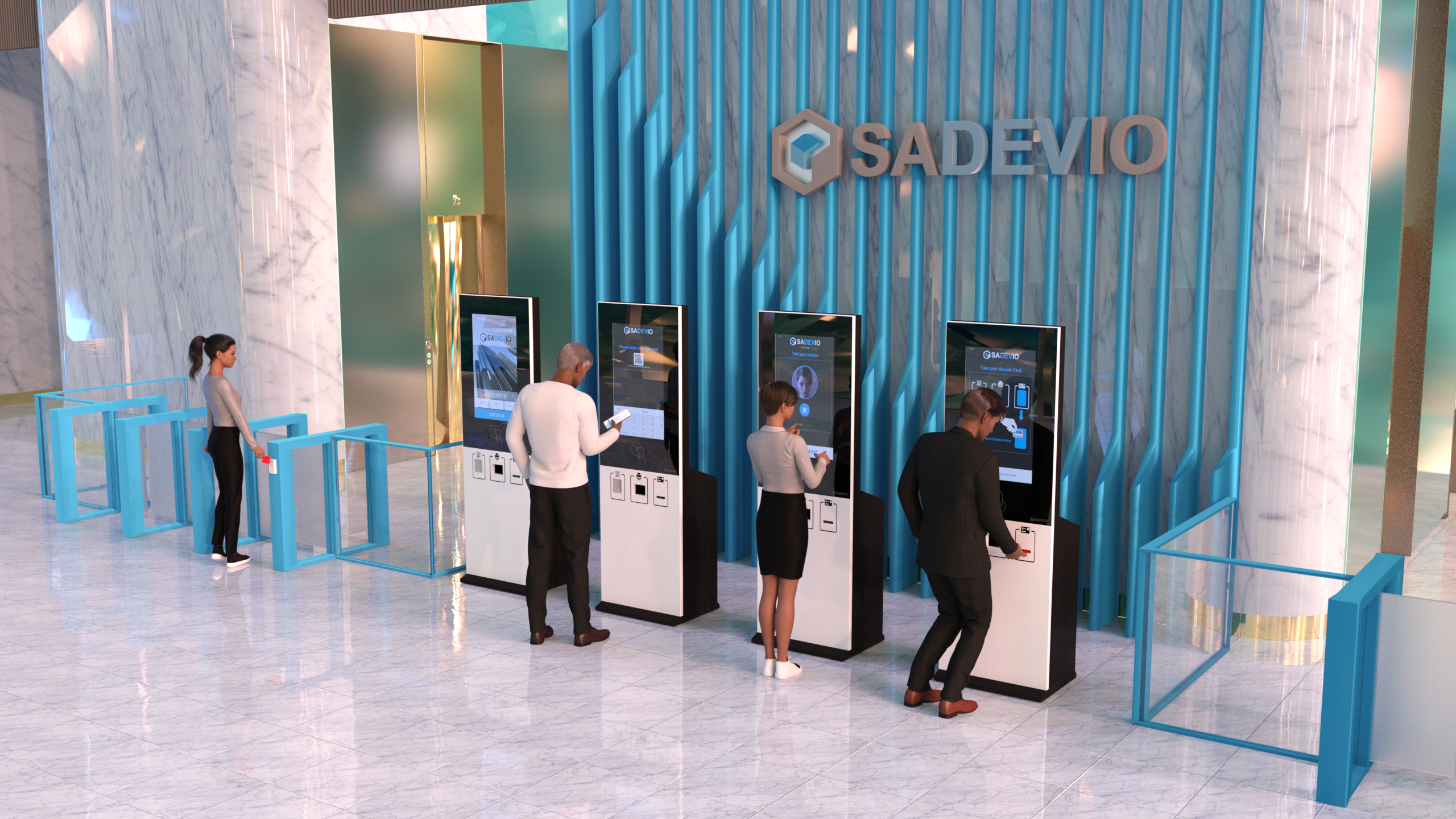
What the kiosks can do.
The kiosk is the physical access point for Sadevio visitor management workflows. It can support visitors, employees, contractors, and hosts while connecting check-in decisions to your building access process.
Visitors follow a guided check-in flow and can be confirmed by their host before access is issued.
Assign visitor access cards dynamically and support temporary employee replacement badges.
Use kiosk camera and QR workflows for visitor identification, pre-registration, and record keeping.
Connect visitor approval to access control systems for doors, elevators, and secured areas, with door sensor checks and temperature sensor support.
Applications for controlled-access environments.
Self-service kiosks are useful anywhere visitors, contractors, employees, and vendors need a clear check-in path without slowing down security or reception teams.
Automate visitor check-in, host notification, badge issuing, and temporary employee access.
Support students, guests, vendors, and event visitors across distributed buildings.
Create a consistent visitor intake flow for public offices and secured departments.
Handle contractors, drivers, and shift visitors at gates or reception areas.
Control access for labs, partner visits, and sensitive work areas with documented check-in.
Streamline identity capture, approval, and access-card workflows for high-security sites.
Guide visitors, vendors, and staff replacement-badge requests through a standard flow.
Give shared lobbies a repeatable check-in process across tenants and visitor types.
Choose the physical format that fits the deployment.
Each version has its own page for dimensions, hardware/environment notes, and datasheet download. This overview stays focused on capability and selection.
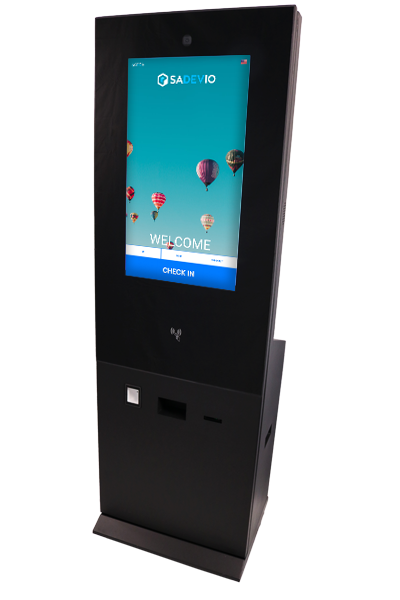
Rugged floor kiosk
Best for exposed or demanding entrances where weather resistance and vandal-resistant construction matter.
- Floor-standing format
- Weather-resistant / vandal-resistant direction
- Large 32 inch touch display
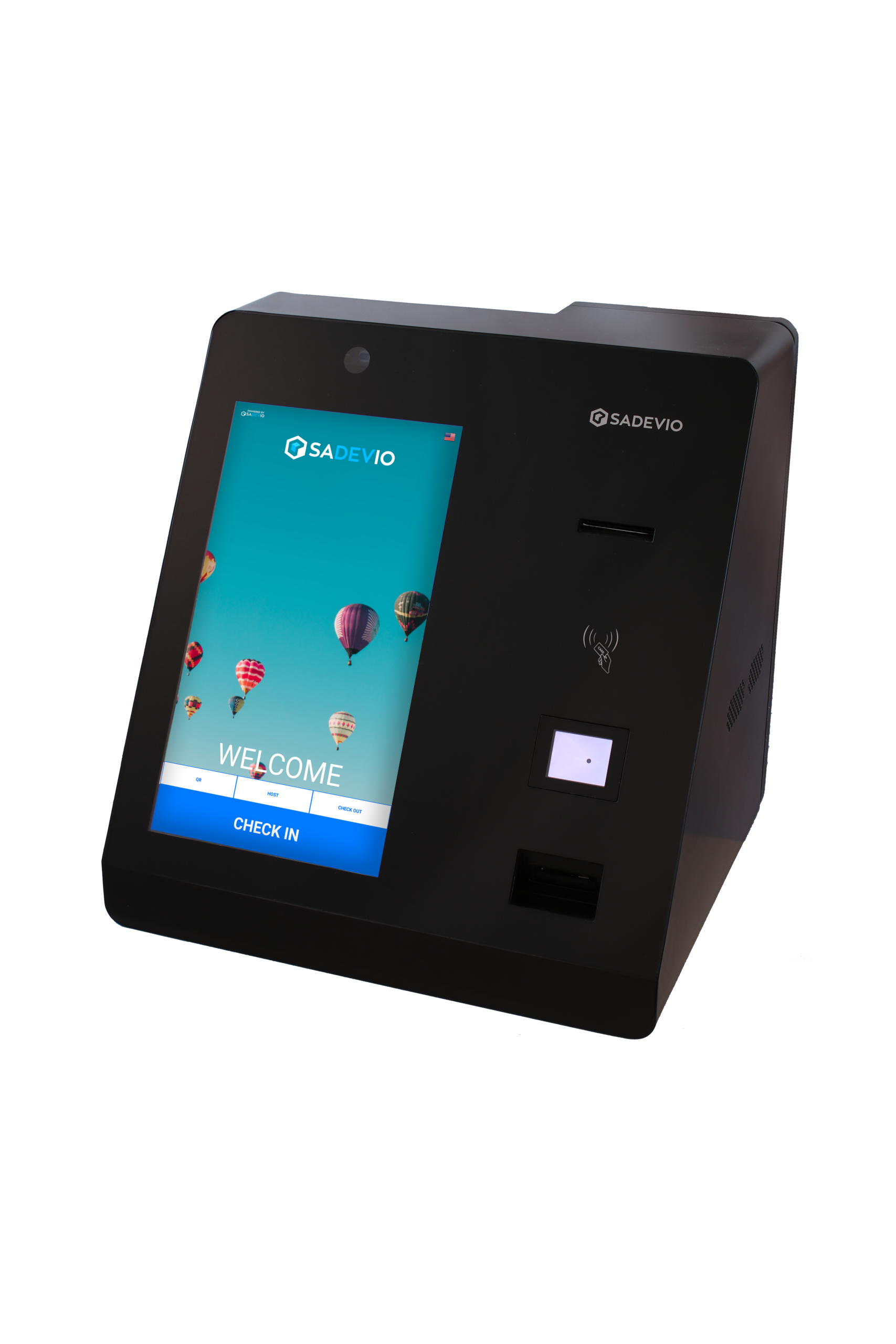
Compact table kiosk
A smaller desk or counter version for integrating self-service check-in directly into the front desk area.
- Countertop/table deployment
- Designed for staffed lobby augmentation
- Integrated camera, reader, printer, door sensor check, and temperature sensor modules
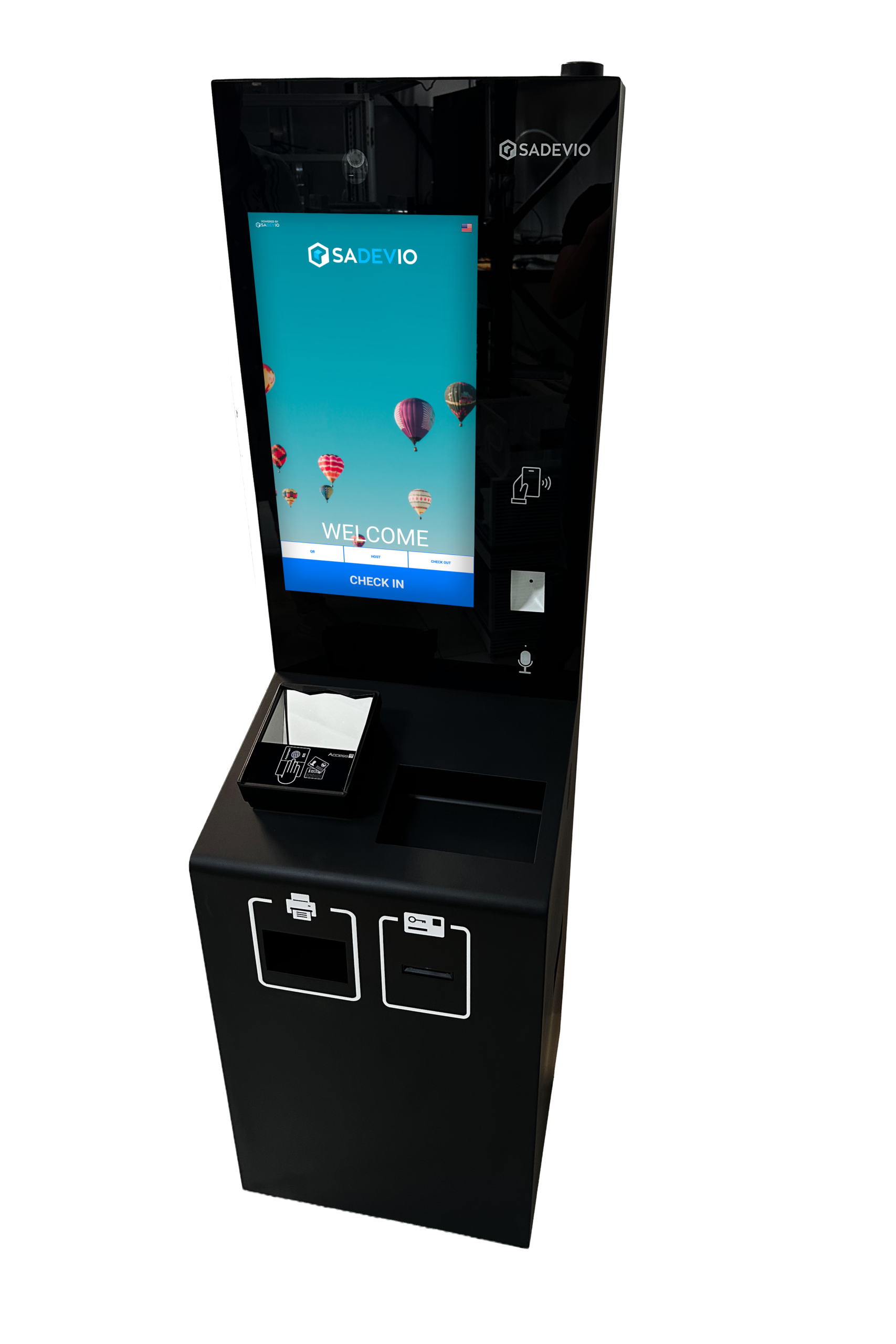
Indoor ADA-compliant kiosk
A smaller, lighter indoor kiosk designed around ADA side-reach requirements and accessible check-in flows.
- ADA side-reach compliant design
- Smaller and lighter floor format
- 21.5 inch portrait touchscreen
When does a kiosk pay for itself?
Instead of a generic cost chart, compare the kiosk investment with the coverage you would otherwise staff. The faster the kiosk replaces repetitive check-in labor, after-hours coverage, or peak visitor support, the faster the break-even point arrives.
| Staffing scenario | Example comparison | Estimated break-even |
|---|---|---|
| Weekday front desk support | 8 hours/day, Monday-Friday at about $20/hour | About 7 months |
| 24/7 staffed coverage | Round-the-clock guard or reception coverage at about $20/hour | About 1.5 months |
| Peak traffic support | Kiosk handles repeatable check-ins while staff handles exceptions | Depends on visitor volume |
Match the kiosk to the entrance.
Tell us where the kiosk will be installed, how visitors receive access, and whether ADA, weather, or front-desk integration requirements matter.